lv777 App — Play Every Game
Right From Your Phone
The official lv777 app brings the full casino to your Android device. Slots, live tables, crash games and cricket betting — all in one APK. Free to download, works on Android 8.0 and above. No Google Play needed.
18+ · Play Responsibly · Bangladesh players only
on your phone
Install the lv777 APK: 5 Clear Steps
Android does not allow app installs from outside Google Play by default. You need to turn on one setting first — it takes about ten seconds and you can turn it back off after. Follow these steps in order.
-
1
Allow Installation from Unknown Sources
Go to Settings → Privacy (or Settings → Apps → Special App Access on some devices) and enable Install Unknown Apps for your browser or file manager. This tells Android you trust APK files you download manually. You can disable this permission again after the install is complete — it only needs to be on during the installation.
-
2
Download lv777.apk to Your Device
Tap the Download APK button on this page. Your browser will save lv777.apk (36 MB) to your Downloads folder. Keep the screen on while it downloads — the file is small and usually finishes in under a minute on a normal mobile connection. If the download stops, tap the button again; the file will resume or restart cleanly.
-
3
Open the APK File
Pull down your notification bar and tap the completed download notification, or open your Files app, navigate to Downloads, and tap lv777.apk. Android will show an install prompt with a list of permissions the app needs. Review them, then tap Install. The process takes about 15–30 seconds depending on your device speed.
-
4
Tap "Done" or "Open"
Once Android finishes installing, you will see two buttons: Done and Open. Tap Open to launch the lv777 app immediately. The lv777 icon will also appear on your home screen and in your app drawer. If you do not see the icon right away, restart your home screen launcher or restart the phone once.
-
5
Log In or Register Your Account
The app opens on a login screen. If you already have a lv777 account, enter your phone number and password, then tap Log In. New player? Tap Register — the sign-up form takes about two minutes to fill in. After you log in you can deposit using bKash, Nagad, Rocket or Upay (minimum ৳250) and start playing right away. Open the registration form here if you want to set up your account before installing.
iOS Users: Add to Home Screen
There is no App Store version of lv777 at this time. iPhone and iPad users can access the full site as a web app. Here is how:
- Open https://lv777.xyz in Safari on your iPhone.
- Tap the Share icon (the square with an arrow) at the bottom of the screen.
- Scroll down in the share sheet and tap Add to Home Screen.
- Give it a name (e.g. "lv777") and tap Add in the top-right corner.
The lv777 icon will appear on your home screen and behave like a full-screen app. All features — deposits, withdrawals, live casino — work normally in the mobile browser.
Safe to Install: Permissions & What We Access
Every version of the lv777 app is scanned before release. The APK you download from this page is the official build — do not download it from third-party sites or groups. Here is exactly what the app asks for and why.
SSL Encryption on All Connections
Every request the app makes — login, deposit, game launch — goes through TLS encryption. Your account credentials and payment data are never sent in plain text. The app enforces certificate pinning, so it will refuse to connect if someone tries to intercept traffic on a public Wi-Fi network.
No Camera or Microphone Access
The lv777 app does not request access to your camera, microphone, or contacts. The only device permission it needs is storage access — to save the APK during installation and to let you upload a KYC document photo from your gallery if required. You can review all permissions in Settings → Apps → lv777 → Permissions at any time.
Official Build — Verified File Hash
The APK hosted at /download/lv777.apk is signed with lv777's release key. Android will warn you if you try to install a modified version with a different signature — always install only from this page. If you received the APK file from a Telegram group or a third-party APK site, delete it and download again from here.
Account Security: Two-Step Login
The app supports a login PIN in addition to your password. After your first login, go to Account → Security to set a 6-digit PIN. If you lose your phone, contact lv777 support via live chat immediately — the support team can freeze your account within minutes to prevent unauthorised access. Never share your PIN or password with anyone, including support staff.
Current Version: What's in This Build
Always download the latest version from this page. Older builds may not connect to updated game servers. The table below lists the current release details.
| Field | Details |
|---|---|
| App Name | lv777 |
| Version | 3.3.0 |
| File Name | lv777.apk |
| File Size | 36 MB |
| Minimum Android | Android 8.0 (Oreo) and above |
| Last Updated | 5 November 2026 |
| Price | Free |
| Languages | English / Bangla |
| Platform | Android (APK direct install) |
| iOS | Mobile web via Safari — Add to Home Screen |
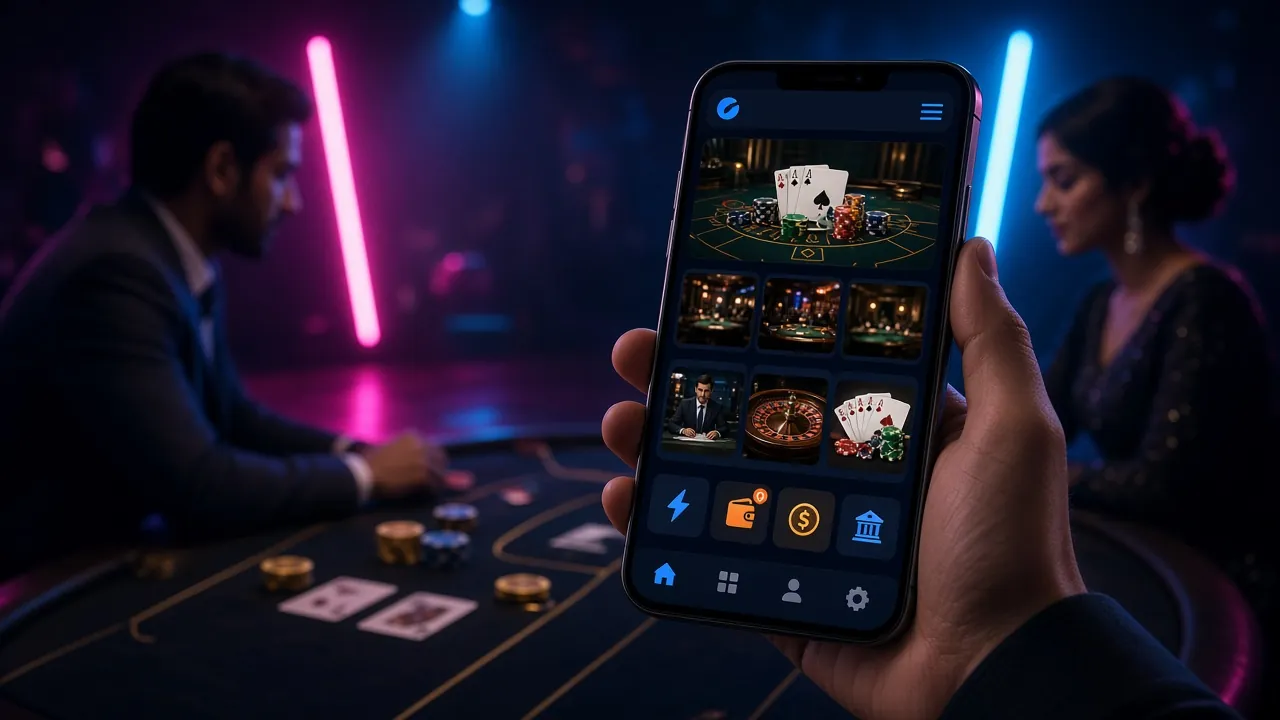
Six Things the lv777 App Does Well
The app is not a stripped-down version of the site. You get the same game library, the same bonuses, and the same payment options — just optimised for a phone screen.

Slots & Crash Games
Play Dragon Tiger, Fortune Ox, Ultra Treasure and more from Red Tiger, JILI and JDB. The app loads slot games faster than a browser tab because assets are pre-cached after the first session. Crash games like Aviator-style titles run smoothly even on mid-range phones with 3G connections.

Live Tables — Real Dealers
Mini Baccarat, Blackjack MH, Double Exposure Blackjack and more from Pragmatic Play and JILI stream directly in the app. The video quality adjusts automatically to your connection speed — you can switch to a low-bandwidth mode in Settings if you are on a slow network. Minimum bet from ৳1 depending on the table.
Teen Patti, Andar Bahar & More
Traditional South Asian card games are a core part of the lv777 app. Teen Patti 20-20 from JILI and several Andar Bahar variants are available around the clock. Touch controls are designed for one-handed play — chip selection, deal and fold all sit in the thumb zone so you do not have to stretch across the screen mid-round.
bKash & Nagad Deposits in the App
Deposit with bKash, Nagad, Rocket or Upay without leaving the app. The minimum deposit is ৳250 and funds arrive in about 2 minutes. Withdrawals (minimum ৳400) are processed within about 34 minutes during normal hours. The app saves your preferred payment method so you do not have to re-enter it every time. Create your account first to link a payment method.
Bonuses Apply in the App Too
Your first deposit bonus (up to ৳16,500 at 130%), the 18% reload bonus, and the 0.6% daily cashback all apply whether you play on the app or in a browser. There is no separate app-only bonus — your account balance and bonus wallet are the same across all devices. Check the Promotions tab in the app for current offers.
24/7 Live Chat Inside the App
The live chat widget is built directly into the app — tap the chat icon in the bottom menu at any time. Support is available 24 hours a day, every day. You can also email [email protected]. Response times on live chat are typically under 3 minutes during peak Bangladesh evening hours (6 PM–1 AM UTC+6).
App vs Browser: Which One to Use?
Both options give you the full lv777 experience. The table below highlights where each one has a practical edge so you can decide which suits your situation.
| Feature | lv777 App (APK) | Mobile Browser |
|---|---|---|
| Game loading speed | Faster after first launch (cached assets) | Loads fresh each visit |
| Works on Android 8.0+ | Yes | Yes (any browser) |
| Works on iPhone | No APK on iOS | Yes — Safari Add to Home Screen |
| Push notifications | Deposit confirmations, bonus alerts | Not available |
| bKash / Nagad deposit | Yes | Yes |
| Live chat support | Built-in widget | Available |
| Auto-login (saved session) | Stays logged in | Depends on browser settings |
| Data usage (slot session) | Lower — game assets cached locally | Slightly higher per session |
| File size | 36 MB download (one-time) | Zero — no install needed |
| Updates | Manual — download new APK when prompted | Always latest version automatically |
If you play regularly on Android, the app is the better choice for speed and notifications. If you switch between devices or use an iPhone, stick with the mobile browser. Need help with your account? Visit the lv777 login page for account access help or browse the casino to see the full game list.
Installation Not Working? Fix It Here
Most APK install problems come down to one of five causes. Find your error message in the table below and follow the fix.
| Error / Symptom | Most Likely Cause | How to Fix It |
|---|---|---|
| "Install blocked" or the Install button is greyed out | Unknown sources permission is off for the app you used to open the APK (usually your browser or file manager). | Go to Settings → Apps → [your browser] → Install Unknown Apps and toggle it on. Then tap the APK file again. On Android 8–12 the permission is per-app, so check the right entry in the list. |
| "Parse error" or "There was a problem parsing the package" | The APK file did not download completely — the file is corrupted or truncated. This often happens if the connection dropped mid-download. | Delete the partial file from your Downloads folder, reconnect to a stable Wi-Fi or mobile data connection, and download lv777.apk again from this page. Do not use a download manager that splits files unless it supports resume. |
| "App not installed" after tapping Install | An older or unofficial version of the lv777 app is already on the phone with a different signature key, blocking the upgrade. | Go to Settings → Apps → lv777 and uninstall the existing app first. Your account data is stored server-side, so you will not lose anything. Then install the fresh APK from this page. Log back in with your username and password. |
| App installs but crashes immediately on open | The device is running Android 7.x or below, which is below the minimum requirement, or free storage is under 100 MB. | Check your Android version in Settings → About Phone. The lv777 app requires Android 8.0 (Oreo) or above. If your Android version is 8.0+ and it still crashes, free up storage (the app needs at least 150 MB working space) and restart the phone, then try opening the app again. |
| App opens but shows blank screen or "No connection" | The app cannot reach lv777 servers because of a network restriction, VPN conflict, or the device date/time is wrong (causes SSL certificate errors). | First check your internet by opening a browser — if that works, the issue is likely a VPN or firewall. Disable any VPN and try again. If you see an SSL error, go to Settings → General Management → Date and Time and enable Automatic date and time. Restart the app after each change. |
Still stuck? Open live chat in the app or visit the site and tap the chat icon. The support team is available 24/7 and can walk you through the install on a screen share if needed. You can also email [email protected] with your device model and Android version.
Questions About the lv777 App
Is the lv777 APK safe to download?
What Android version does the lv777 app need?
Does the lv777 app work without Wi-Fi?
How do I update the lv777 app to a newer version?
Can I use the same account on the app and the browser?
Why does Android say the file is from an "Unknown Source"?
Do I need to create an account before downloading?
Get the lv777 App on Your Phone Now
- Over 1,300 games including slots, live casino and fishing
- Deposit with bKash or Nagad in about 2 minutes
- Push notifications for deposits and bonus alerts
- 24/7 live chat built into the app
18+ only · Play Responsibly · Bangladesh
at this code to download